If you make videos for a living, or even just once a week, you have probably heard of Pictory AI. It promises to turn a script, a blog post, or even a plain idea into a finished video in minutes, no camera, no filming, and no editing background needed. That is a big promise. In this Pictory review for 2026, we tested the claims, checked real user feedback, and broke down the pricing in plain language so you can decide if it is worth your money before you sign up.
We will cover exactly what Pictory does, what it does well, where it falls short, how much it really costs once you add up minutes and AI credits, and how to get the best Pictory discount code if you decide to try it.
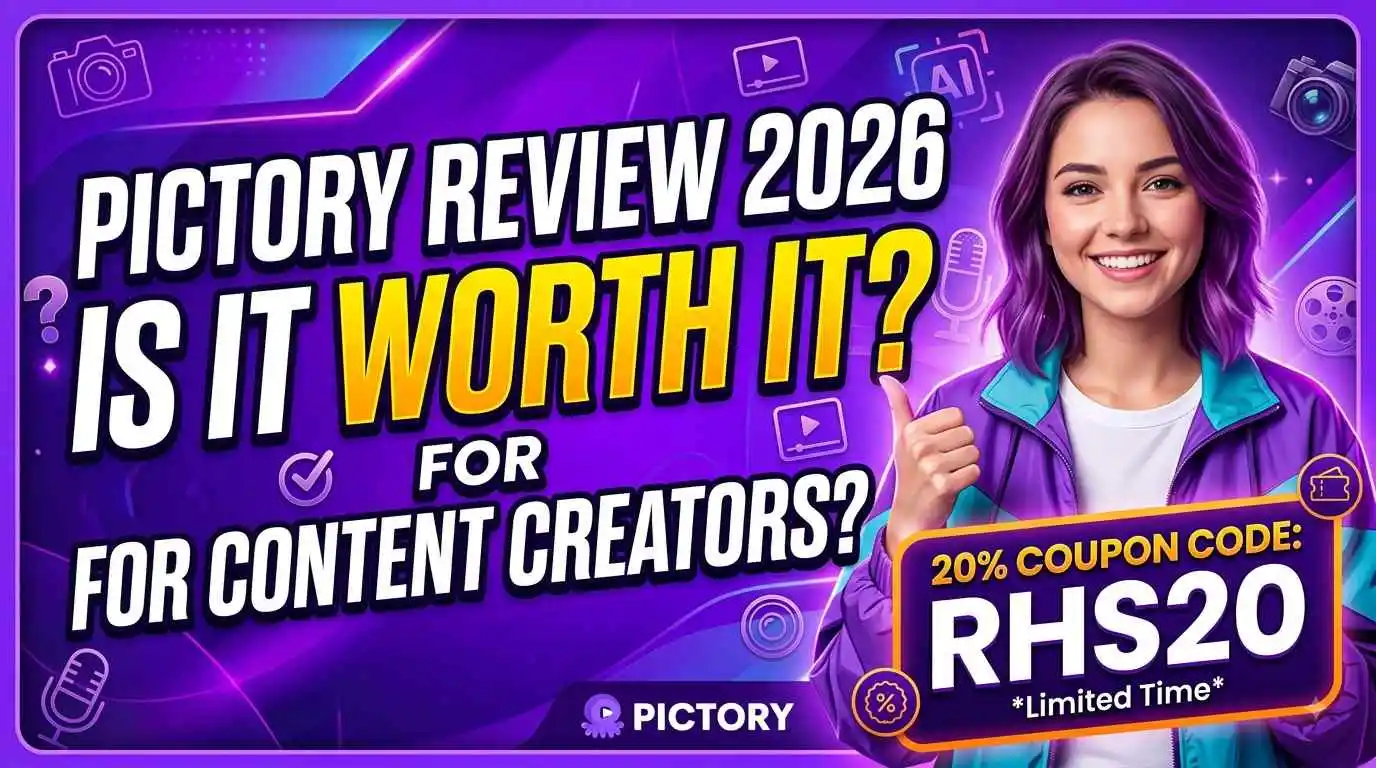
Quick deal before we start: Use Promo Code: RHS20 at pictory.ai for 20% off any plan, Starter, Professional, or Team. See all active Pictory coupon codes →
1. What Is Pictory AI?
Pictory is an AI video generator built for people who have content already, a script, a blog post, a PowerPoint, a podcast recording, or even just a topic, but do not have the time, skill, or budget to turn it into video. Instead of opening a timeline and dragging clips around like traditional editing software, you type or paste your content, and Pictory's AI builds the scenes, matches stock footage or generated visuals, adds captions, and narrates it with an AI voice.
The platform is used by over 20,000 companies and holds a 4.0 out of 5 "Great" rating on Trustpilot across hundreds of reviews, which puts it solidly in the trusted tier of AI video tools, not perfect, but reliable enough that most users come back for repeat use.
What makes Pictory different from a normal video editor is the input flexibility. You are not limited to uploading raw footage. You can start from text, a URL, a PDF, a set of images, or a screen recording, and Pictory figures out how to turn that into a watchable video.
2. Why Content Creators Are Switching to AI Video Tools
Video is still the format that gets the most attention on every platform, YouTube, TikTok, Instagram, LinkedIn. But filming and editing take real time, and most creators and marketers are already stretched thin writing scripts, managing publishing schedules, and running the rest of their business.
AI video generators like Pictory solve a specific bottleneck: turning written content you already have into video content without hiring an editor or learning Premiere Pro. This matters most for:
- Creators who already write blog posts or newsletters and want to repurpose them as video
- Marketers who need a steady stream of short social clips without a production budget
- Educators who want to turn lesson notes into narrated video lessons
- Small teams that cannot afford a dedicated video editor but still need consistent output
Pictory is one of the more established names in this space, alongside tools like InVideo AI and Synthesia, and it has kept adding features through 2026 to stay competitive, including its own generative AI Studio for custom visuals.
3. Core Features Breakdown
Here is what you actually get inside Pictory, based on hands-on testing and verified product documentation.
Text, Script, and Blog to Video
Paste in a script or a blog post, and Pictory automatically breaks it into scenes, matches each one with relevant stock footage or AI generated visuals, and adds a narrator voice and captions. This is the feature most reviewers point to as the platform's strongest selling point, it genuinely saves hours compared to manual editing.
URL to Video
Paste a link to any article or webpage, and Pictory reads the content and turns it into a video outline automatically. Useful for marketers who want to repurpose existing blog content without rewriting anything.
PPT to Video
Upload a PowerPoint file and Pictory converts each slide into a video scene, complete with narration and captions. This is popular with educators and course creators turning static slide decks into video lessons.
AI Avatars and Voices
Pictory includes AI avatars that can present your script on camera, along with natural sounding AI voices powered by ElevenLabs. It is worth noting that avatar video shares the same credit pool as regular video generation, so heavy avatar use will burn through your AI credits faster than plain script to video.
AI Studio (Generative Visuals)
For scenes where stock footage does not fit, Pictory's built-in AI Studio can generate custom images and short video clips directly from a text prompt, using models that include Flux, Seedream, and Nano Banana for images, and Pixverse and Veo for AI generated video clips.
Stock Media Library
On the Professional plan and above, you get access to 18 million plus stock clips and images from Getty Images, Pexels, and Storyblocks. The Starter plan only unlocks a smaller slice of that library, around 5 million assets, which is a real limitation worth knowing before you commit to the cheapest tier.
Editing and Export Tools
Once your video is generated, Pictory's editor lets you swap clips, adjust captions, resize for different platforms (horizontal, vertical, square), and export in HD or Full HD depending on your plan. A 2026 update added XML export, which lets you send a rough cut into DaVinci Resolve or Premiere Pro for a final polish, a smart bridge for creators who want AI speed but still want manual control over the final cut.
Real world note: One long-term user reported producing over 200 unique videos in a single quarter using Pictory's batch workflow. For high volume, repetitive video formats like product explainers or listicles, this kind of output is exactly where Pictory earns its subscription price.
4. Pictory Pricing in 2026: Is It Worth the Money?
Pictory pricing is metered two ways: a pool of video minutes that resets every month, and a separate yearly pool of AI credits that pay for generative extras like AI Studio images, AI video clips, and avatar minutes. Understanding both numbers matters more than just looking at the sticker price.
Starter Plan, around $25 per month billed annually
- About 200 video minutes per month
- 5 GB of storage
- 1 brand kit
- Roughly 1,200 AI credits per year
- About 60 minutes of ElevenLabs AI voice per month
- 720p export resolution only
- Access to roughly 5 million stock assets
Professional Plan, around $35 per month billed annually
- About 600 video minutes per month
- 20 GB of storage
- Multiple brand kits
- Roughly 12,000 AI credits per year
- About 120 minutes of ElevenLabs AI voice per month, plus voice cloning
- Full 1080p export resolution
- Full access to the 18 million plus stock library across Getty, Pexels, and Storyblocks
Team Plan, around $119 per month billed annually
- About 1,800 video minutes per month
- 100 GB of storage
- 3 or more user seats included
- Roughly 28,800 AI credits per year, shared across the workspace
- Real time collaboration and shared brand kits
Monthly billing runs noticeably higher than annual on every tier, for example Professional jumps from $35 a month annually to around $59 a month if you pay month to month, so annual billing is where the real savings live. On top of annual pricing, a working Pictory promo code like RHS20 stacks an additional 20% off, which brings the Professional plan down to roughly $28 a month.
Worth knowing before you buy: unused video minutes and AI credits do not roll over month to month, and several verified reviews report that annual plans are treated as a non-refundable commitment once purchased. Test thoroughly during the free trial before committing to a full year.
5. Pros and Cons
Pros
- Genuinely fast script to video and blog to video conversion
- Massive stock library, 18 million plus clips and images on Professional and above
- No editing skill required, beginners can ship a usable video on day one
- ElevenLabs voice integration sounds noticeably more natural than older AI voices
- Built-in AI Studio for generating custom images and video clips from prompts
- Strong for high volume, repetitive video formats like explainers and listicles
- Solid Trustpilot reputation, 4.0 "Great" rating across hundreds of reviews
Cons
- Avatar video shares the same credit pool as regular video, heavy avatar use drains credits fast
- Scene to footage matching is keyword based, niche or branded topics often need manual clip swaps
- Video minutes and AI credits do not roll over between billing cycles
- Some verified reviewers report friction getting refunds on annual plans
- Support routes through a chatbot first, with documented delays reaching a human
- Starter plan is capped at 720p export and a smaller stock library
- Output can look like a stock footage slideshow for anything highly product specific
6. Who Should Use Pictory in 2026?
Pictory is not the right fit for every type of video work, but it is a strong fit for specific, repeatable workflows:
- Marketers who need a steady stream of social clips and explainer videos without hiring an editor
- Content creators and YouTubers repurposing blog posts or scripts into long form and short form video
- Educators and course creators converting written lessons or slide decks into narrated video lessons
- Small agencies that need to deliver client video assets faster using reusable brand kits
- Businesses that want to scale video production volume without scaling headcount
If you need highly cinematic storytelling, precise brand specific product shots, or heavy avatar led presenter content, you may find Pictory's stock footage based output feels generic compared to platforms built specifically around avatars, and you may want to pair Pictory with manual touch ups in a traditional editor for your most important videos.
7. Pictory vs InVideo AI vs Synthesia
Pictory sits in a competitive field. Here is a simple breakdown of how it compares to the two tools it gets compared against most often:
- Pictory vs InVideo AI: both convert text, scripts, and URLs into video with generative AI Studio tools built in. InVideo AI starts slightly cheaper, but Pictory's stock library and voice quality edge it out for polished output.
- Pictory vs Synthesia: Synthesia is built around AI avatars as its core focus, with a more advanced presenter experience. Pictory treats avatars as one feature among many, so if presenter led video is your main use case, Synthesia may serve you better, but Pictory wins on flexibility and price for general content.
8. Final Verdict: Is Pictory Worth It?
Yes, if you match the plan to your real output
Pictory earns its subscription price for creators and marketers who publish video regularly and want to turn existing written content into finished video fast. The Professional plan is where most reviewers, including ours, land as the real value tier, Starter is too capped for serious use, and Team only makes sense once you have multiple people touching the same projects.
The honest takeaway from this Pictory review: it is not a replacement for a professional editor on your highest stakes videos, but for the everyday volume of content most creators and marketers need to publish, it removes the single biggest bottleneck, turning words into watchable video, faster than any manual workflow can.
9. Save With a Pictory Coupon Code
If you have decided Pictory fits your workflow, do not pay full price. There is a verified, working Pictory discount code you can use right now.
For more verified offers, check the full list of Pictory coupon codes on our homepage, updated monthly.
Final Thoughts
Video content is not slowing down in 2026, and neither is the demand on creators to publish more of it with less time. Pictory AI is one of the more complete tools for turning text based content into finished video without a production team, and with a working Pictory coupon code like RHS20 cutting the price by 20%, the free trial removes any real risk in testing it yourself.
Start with the free trial, test your actual content, not a demo script, and see whether the output holds up for your specific niche before committing to an annual plan.