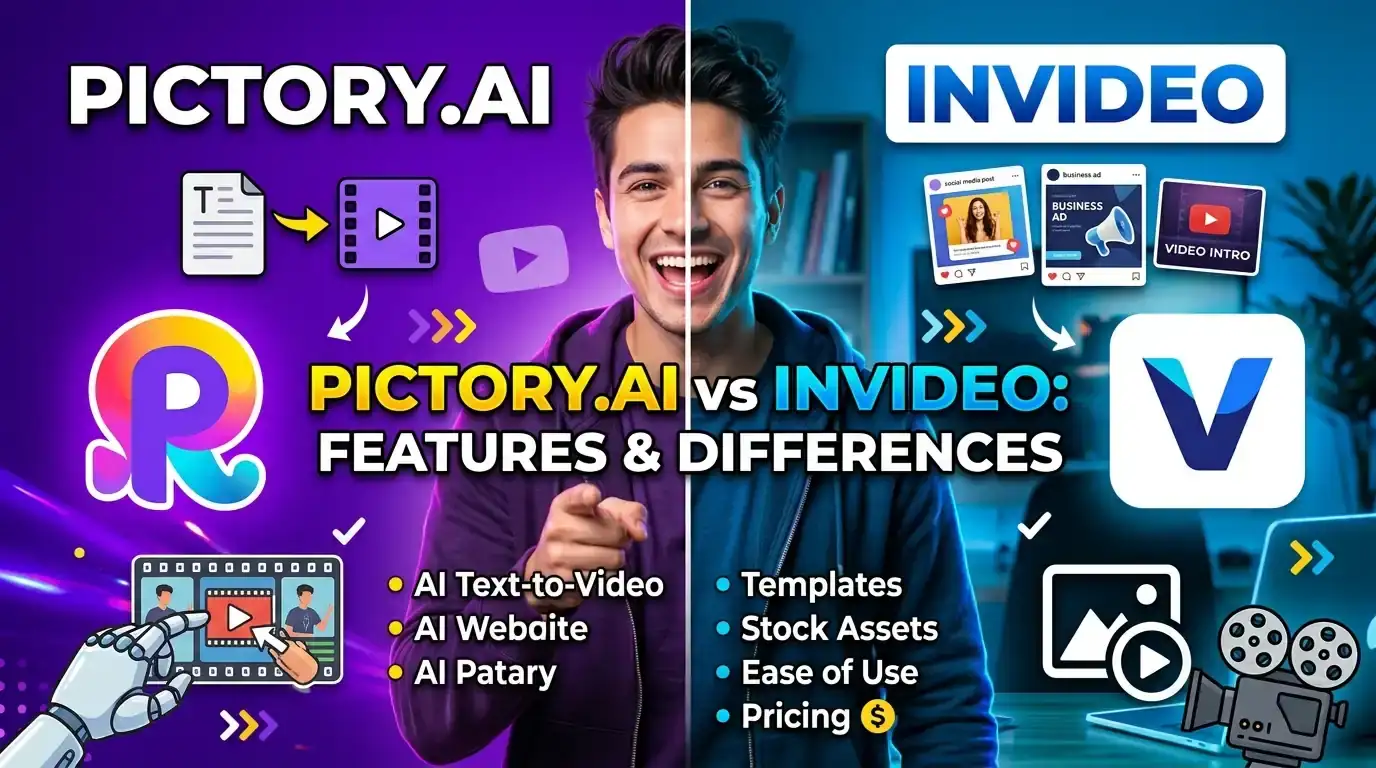
Pictory and InVideo are two of the most recommended AI video tools in 2026, and they get compared constantly because both can turn text into a finished video. But they're built to solve different problems: Pictory is a content repurposing engine for people who already have a script, blog post, or recording, while InVideo is closer to a full online video editor with AI layered on top, built for branded, template-driven social and ad content. This guide breaks down the real differences in features, pricing, and workflow so you can pick the one that actually fits how you work.
Quick deal before we start: If Pictory ends up being your pick, use Promo Code: RHS20 at pictory.ai for 20% off any plan. See all active Pictory coupon codes →
1. Why These Two Get Compared
Pictory and InVideo both fall under "AI video generator," both accept text as an input, and both land in a similar monthly price range, which is exactly why they get cross-shopped so often. But the core job each one is built around is different:
- Pictory is a content repurposing engine. You start with something you've already made, a blog post, a script, a webinar recording, a PowerPoint deck, and Pictory turns it into a video by matching stock footage scene by scene, adding captions, and generating a voiceover.
- InVideo is closer to a full creation platform. It combines a large template library, a genuine timeline editor, and AI tools (including prompt-to-video generation) so you can build branded social videos and ads with more direct creative control over the visual style.
Understanding that difference matters more than any feature checklist, because the workflow that suits someone repurposing a blog post weekly is rarely the same one that suits an agency building templated ad variations for clients.
2. Quick Comparison at a Glance
| Feature | Pictory | InVideo |
|---|---|---|
| Core strength | Text/blog to video, content repurposing | Template-driven creation, prompt to video |
| Starting price (annual) | $25/mo | ~$20–$25/mo |
| Free plan | Free trial, no permanent free tier | Free forever (watermarked) |
| Editing style | Transcript/text-based scene editing | Full timeline editor plus AI prompt editing |
| Stock media library | 18M+ (Getty, Pexels, Storyblocks) | iStock integration, large template library |
| AI avatars | Yes, secondary feature, plus a digital clone option | Yes, including UGC-style AI actors |
| Cinematic AI video models | Flux, Seedream, Pixverse, Veo (via AI Studio) | Sora 2, Veo 3.1, Kling, 200+ models |
| Best for | Creators, marketers, educators repurposing text | Ad agencies, social teams, branded video at scale |
3. Pictory AI Overview
Pictory takes text, scripts, blog posts, PowerPoints, and URLs, and turns them into finished videos using a mix of stock footage, AI-generated visuals, captions, and AI voices. Editing happens largely through the transcript: delete a sentence and the matching video section goes with it, which is faster than scrubbing a timeline for anyone who isn't a trained editor.
Pricing starts around $25 a month billed annually for the Starter plan (200 video minutes), rising to $35 a month for Professional (600 minutes, full 18-million-asset library), and $119 a month for Team. Pictory also offers a digital clone feature, upload a photo or short clip alongside a voice sample and it builds a personalized AI presenter that can narrate any script, useful for creators and course builders who want a consistent on-camera presence without re-recording.
Where Pictory wins: speed and accuracy when the goal is faithfully turning existing written content into video. Where it falls short: visuals lean on stock footage rather than original creative, and heavier customization takes more manual scene-by-scene work than a true timeline editor.
4. InVideo Overview
InVideo pairs a large, template-driven editor with AI tools, including a prompt-to-video system that can generate a complete, edit-ready video, script, footage, voiceover, subtitles, music, and transitions, from a single prompt. Its standout for 2026 is direct access to over 200 AI models inside the editing pipeline, including OpenAI's Sora 2 and Google's Veo 3.1, both usable without separately subscribing to each one.
InVideo also offers UGC-style AI actors built for informal, direct-to-camera content aimed at TikTok and Instagram performance marketing, an aesthetic that leans consumer rather than corporate. Pricing runs on a credit system: entry plans sit around $20 to $25 a month billed annually, with higher tiers for heavier generative AI use reaching well beyond $100 a month. A genuinely free, watermarked tier exists, which Pictory does not offer as a permanent option.
Where InVideo wins: creative range, access to cutting-edge cinematic AI models, and a real timeline editor for teams that want direct control over branded output. Where it falls short: the credit system can be confusing to budget around, and it takes more manual effort to faithfully turn a long article into an accurate video versus Pictory's more literal text-to-scene matching.
5. Pricing Compared Side by Side
Entry-level pricing sits close enough between the two that it rarely decides the choice on its own. On annual billing, Pictory's Starter plan runs about $25/month for 200 video minutes, a single brand kit, and the Getty/Storyblocks library, while InVideo's entry tier runs roughly $20 to $25/month on a credit system, with a permanent free plan available to trial first.
The gap widens at the mid tier: Pictory Professional at $35/month unlocks 600 video minutes and the full 18-million-asset library, while InVideo's mid tier draws down a larger credit pool that also covers access to premium generative video models like Sora 2 and Veo 3.1, models that would otherwise cost separately if subscribed to directly. Independent per-video cost estimates have put Pictory around $1.98 per video at the Professional tier versus roughly $1.20 per video for InVideo on a comparable plan, though the right comparison depends heavily on how much generative AI footage a given video actually uses.
Simple rule of thumb: if your main cost driver is turning existing text into video minutes, Pictory's flat video-minute pricing is easier to predict. If your main cost driver is cinematic AI-generated clips, InVideo's model access is worth the more complex credit system.
6. Workflow and Ease of Use
The day-to-day experience of each tool reflects its core job. In Pictory, most of your time goes into reviewing and refining a script-driven storyboard: read the AI's scene breakdown, swap a clip that feels generic, adjust the voiceover, and export. It's a narrower, faster loop built around content you already wrote.
InVideo's workflow is broader. A prompt or template gets you a first draft, but achieving a specific branded look typically means spending more time in the timeline editor adjusting transitions, text animations, and AI-generated scenes by hand. That flexibility is the point, it just costs more time per video than Pictory's more literal text-to-scene approach.
7. Which Tool Should You Choose?
Choose Pictory if
- You already write scripts, blog posts, or recordings and want them turned into video fast
- You want predictable, minute-based pricing without a credit system to track
- You need a large stock library and prefer transcript-based editing over a timeline
Choose InVideo if
- You want direct access to Sora 2, Veo 3.1, or other cinematic AI video models
- You're building branded social ads or UGC-style content and want a real timeline editor
- You want to test the platform on a genuinely free, permanent tier before paying
8. Final Verdict
Pictory wins on repurposing and predictability, InVideo wins on creative range
There's no single winner between Pictory and InVideo in 2026, only the better fit for a specific workflow. For creators and marketers who need to publish consistently from text they already have, Pictory offers the faster, more predictable path from script to finished video. If cinematic AI-generated footage and full creative control over branded social content are the priority, InVideo's editor and model access are hard to match at a similar price.
9. Save With a Pictory Coupon Code
If Pictory fits your workflow based on this comparison, do not pay full price. There is a verified, working Pictory discount code you can use right now.
For more verified offers, check the full list of Pictory coupon codes on our homepage, updated monthly.
Final Thoughts
Pictory and InVideo are both strong AI video tools, but they were built to solve different problems. Match the tool to the job, not the other way around, and you'll get far more value out of whichever one you choose. For most creators, marketers, and educators turning existing text into consistent video output, Pictory remains the simplest and most predictable place to start, especially with a working Pictory promo code like RHS20 taking 20% off the first bill.